PicoKey App
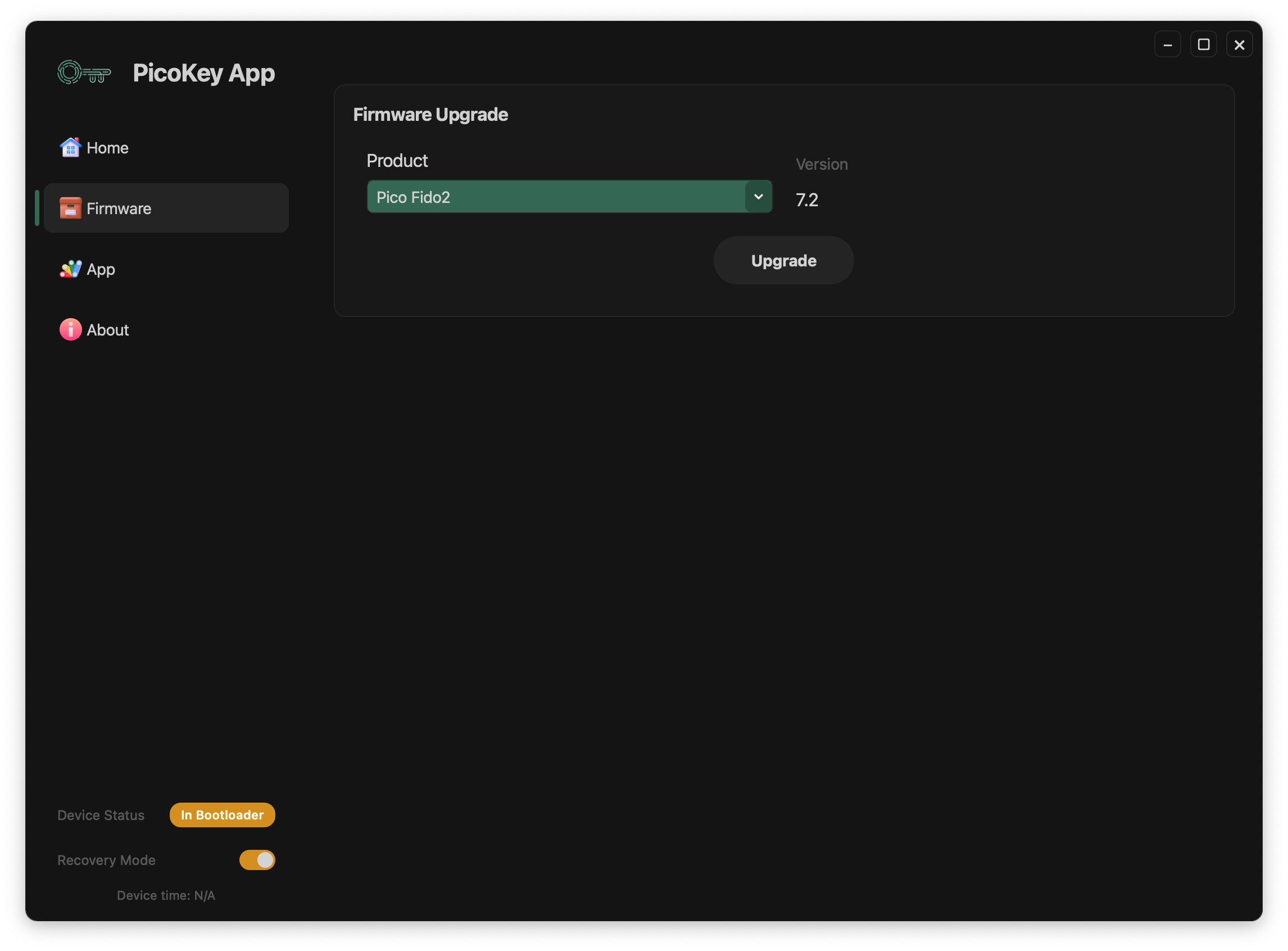
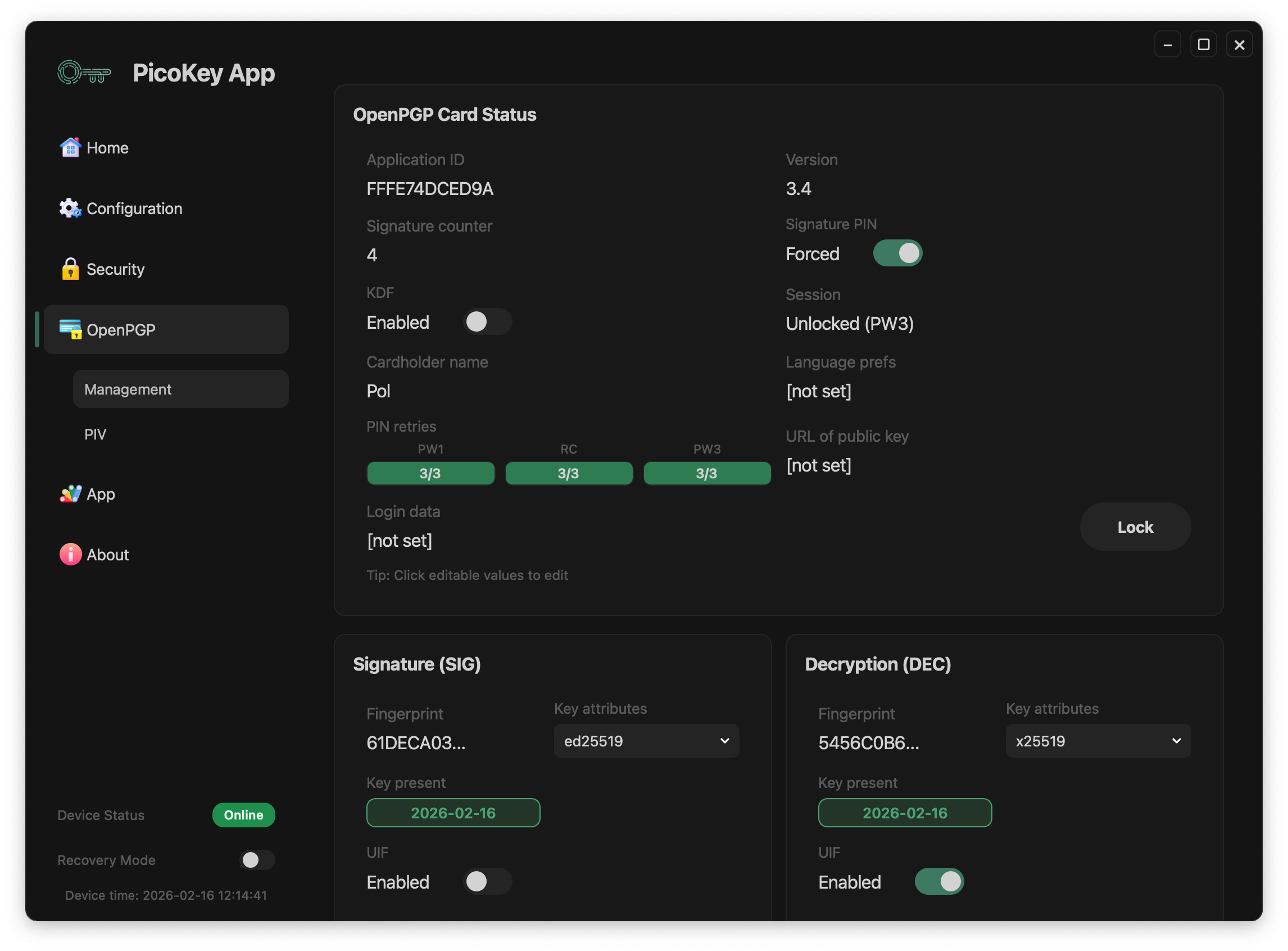
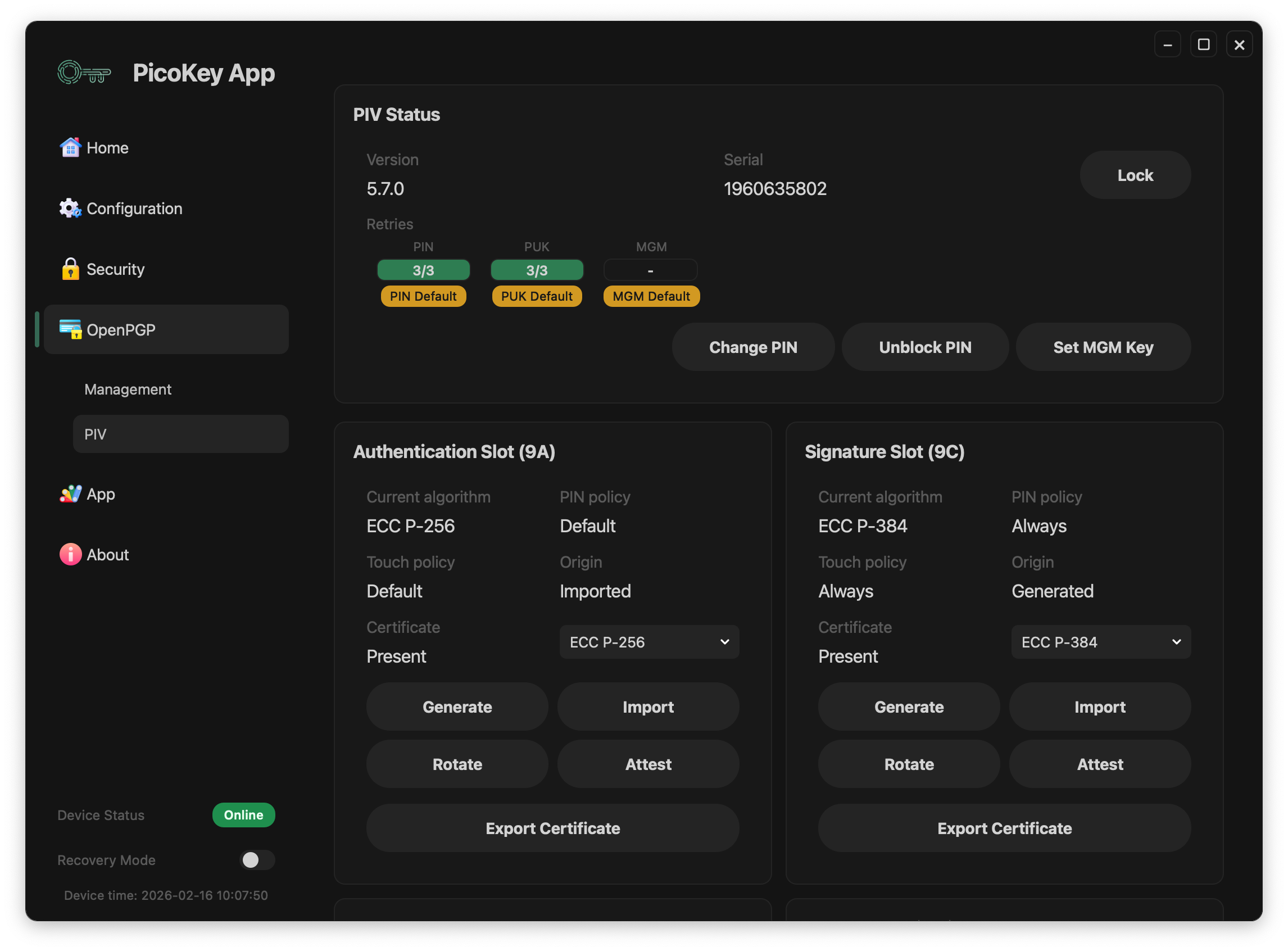
PicoKey App is the official desktop application for managing, configuring and updating all devices in the PicoKeys ecosystem, including Pico HSM, Pico FIDO, Pico OpenPGP, and PicoBoot. Switch between firmwares with just 1 click.
It provides an intuitive interface to:
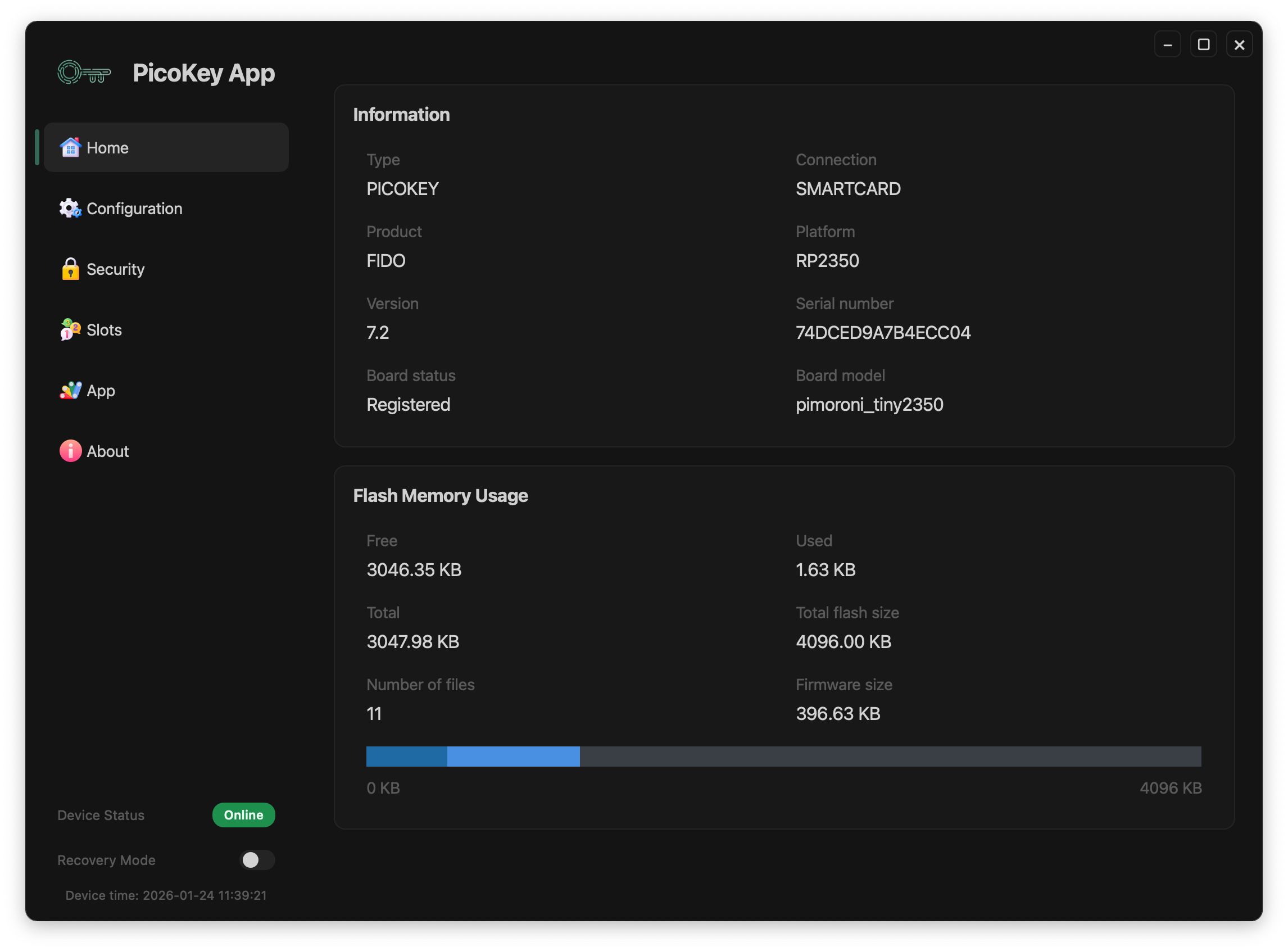
- View device information
- Perform initialization and provisioning
- Configure security settings
- Manage USB and LED parameters
- Enable Secure Boot and Secure Lock
- Commission devices for production use
- Update firmware through an integrated installer
PicoKey App is available for Windows, macOS, and Linux.

What is PicoKey App?
PicoKey App is a desktop application used to commission, configure, and manage PicoKey-based devices.
While the firmware running on the device is fully functional and open, certain hardware-specific aspects cannot be determined at build time and must be configured on the target board. PicoKey App provides the missing link between a generic firmware image and a fully operational, board-specific device.
Why is PicoKey App needed?
PicoKey firmware is designed to be portable across multiple boards and hardware variants.
However, some elements — such as LED behavior, GPIO mapping, board identification, and device-specific parameters — depend on the exact hardware and cannot be safely hardcoded into the firmware.
PicoKey App performs this one-time (or infrequent) commissioning step, ensuring that the same firmware image can be reused across different boards while still behaving correctly on each specific device.
What can you do with PicoKey App?
With PicoKey App you can:
- Commission a new PicoKey device for a specific hardware platform
- Configure board-dependent features (e.g. LED behavior, indicators, or GPIO usage)
- Upload and manage configuration data securely
- Verify device identity and status
- Manage licensed features where applicable
All configuration is applied after flashing, without modifying or rebuilding the firmware.
Before downloading PicoKey App, be sure:
- Your board is upgraded to Pico Fido 7.2, Pico HSM 6.2 or Pico OpenPGP 4.2. Older versions are not supported by PicoKey App.
- Your board is mounted with RP2350, RP2354, ESP32-S2 or ESP32-S3 SoC. RP2040 is supported but discouraged due to the lack of security protection.
License Options
Single Key
29.49€
For users operating a single PicoKey device
Primary + Backup
49.49€
For users who want a secondary PicoKey as a backup
Refunds are available within 15 days only if the license has not been used to register any device.
After completing the purchase, you will receive an email with a personalized download link for the application and the license.
Requirements:
- RP-2350, RP-2354, ESP32-S2 or ESP32-S3 MCU
- LED
- BOOTSEL button
RP-2040 is supported but discouraged.
PicoKey App is a living development app, whose plans include key management, advanced features and recovery aspects, amongst others. PicoKey App provides full support for:
Device Management
- Real-time device detection
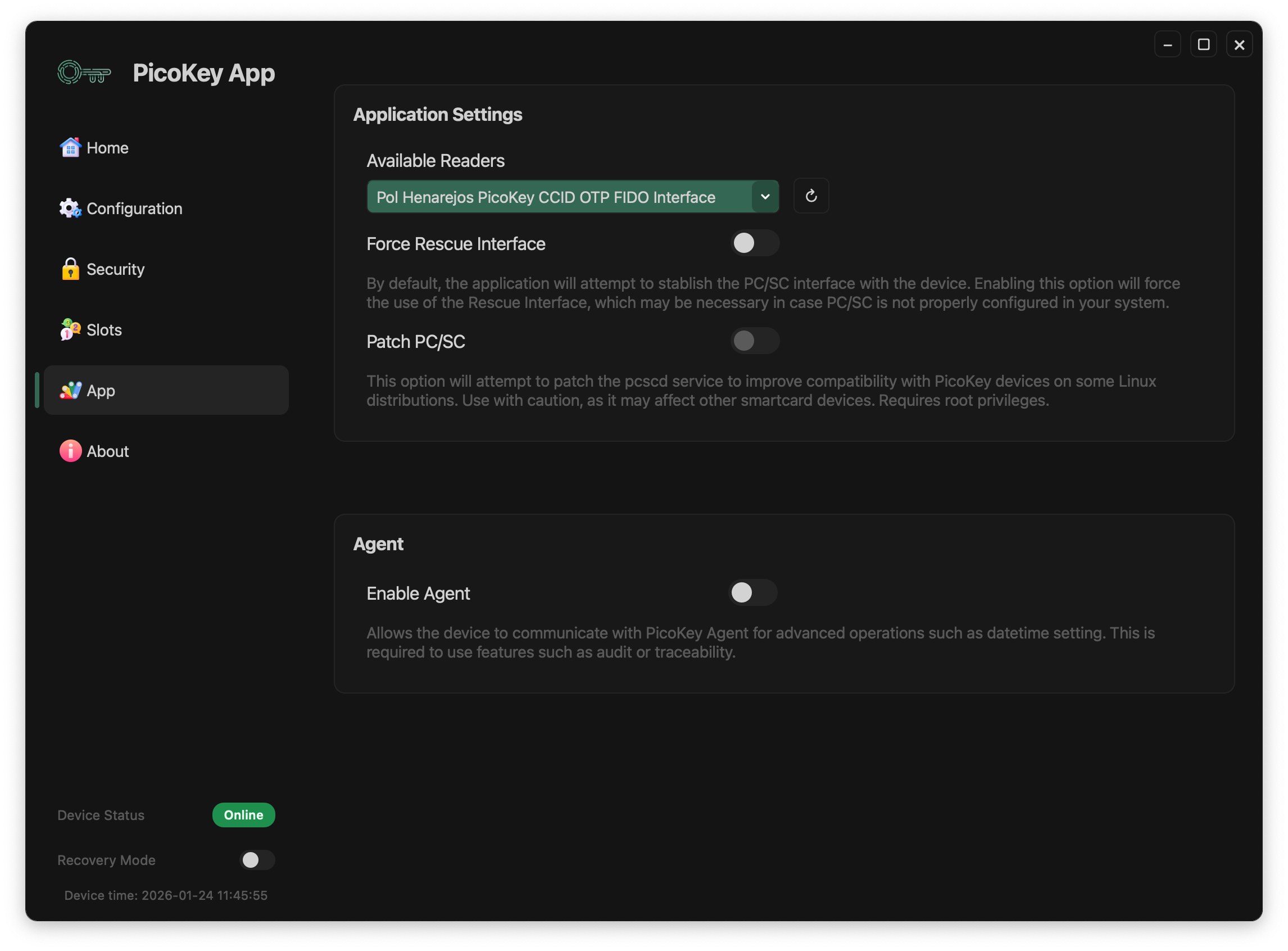
- Smartcard and HID communication
- Memory inspection (free / used / total)
Firmware Management
- Update automatically. No more Github navigation
- Automatic mode switching
- Pre-validated firmware packages
Configuration, Commissioning
- Automatic commissioning
- USB VID/PID settings
- LED control and timeouts
- secp256k1 enabling (advanced)
- Presence button timeout and LED drivers
Security & Provisioning
- PIN and SO-PIN setup
- DKEK shares
- PUK authentication limits
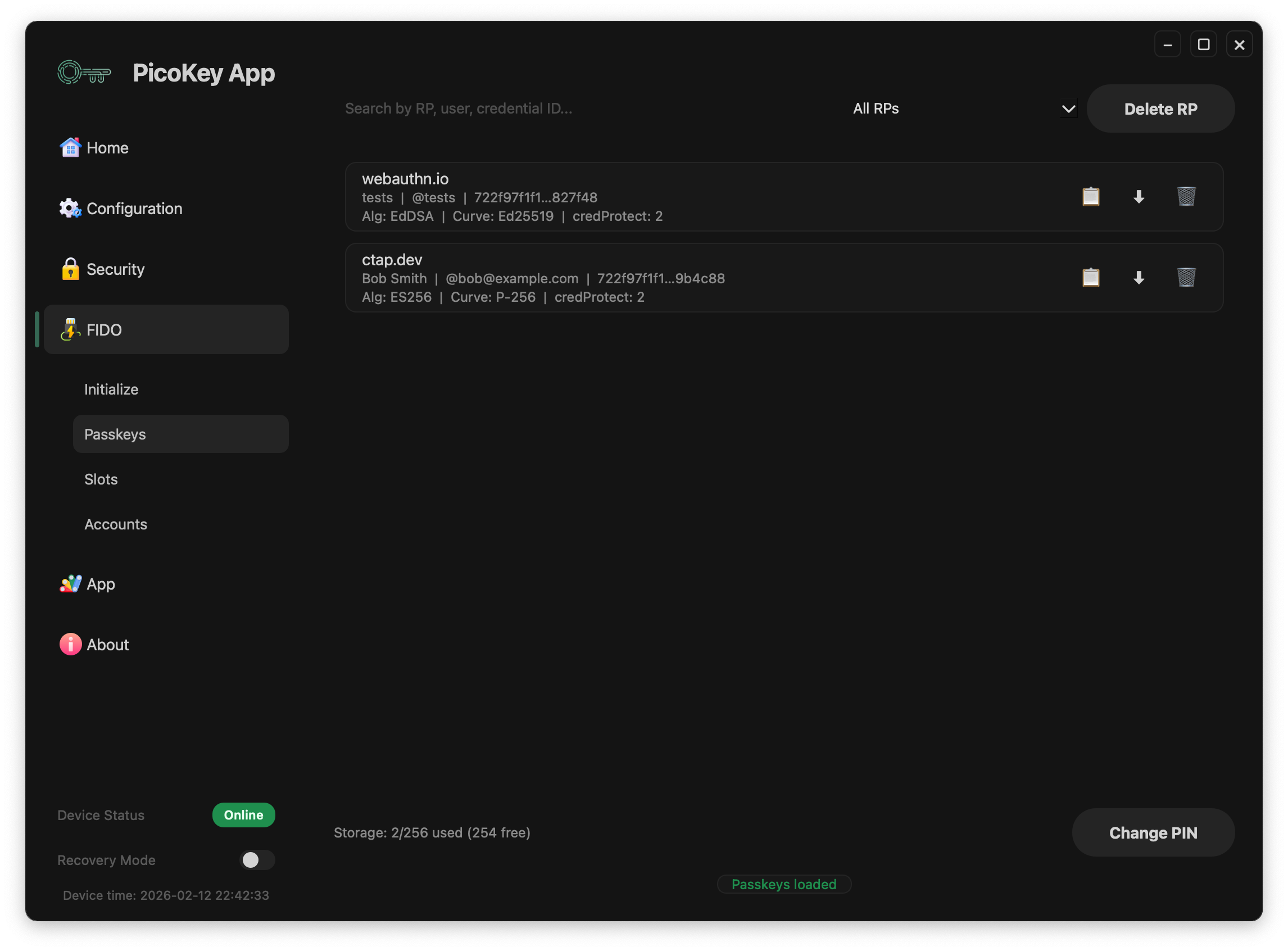
- RP-IDs (FIDO)
- Secure Boot and Secure Lock
- Factory reset procedures
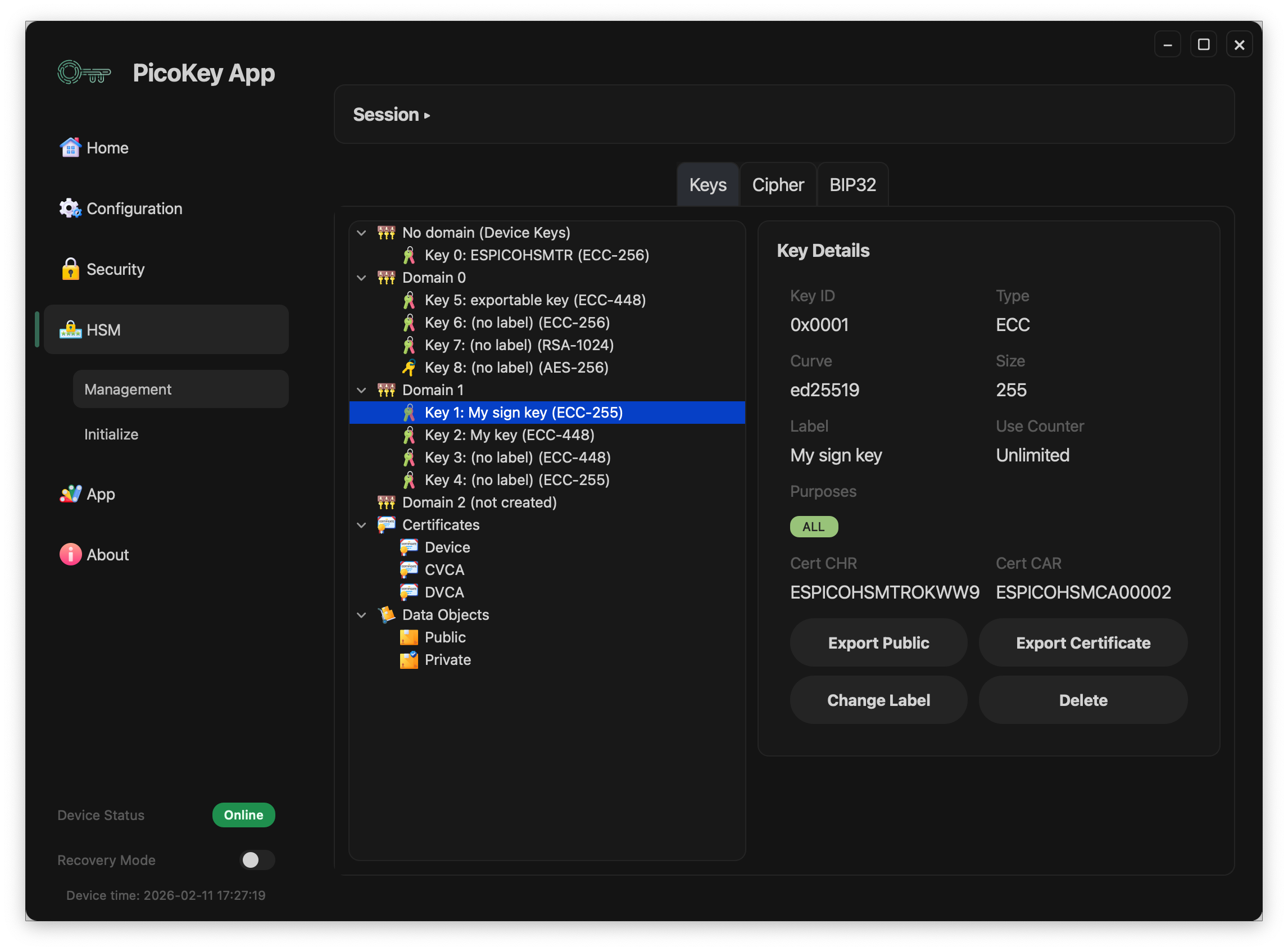
HSM
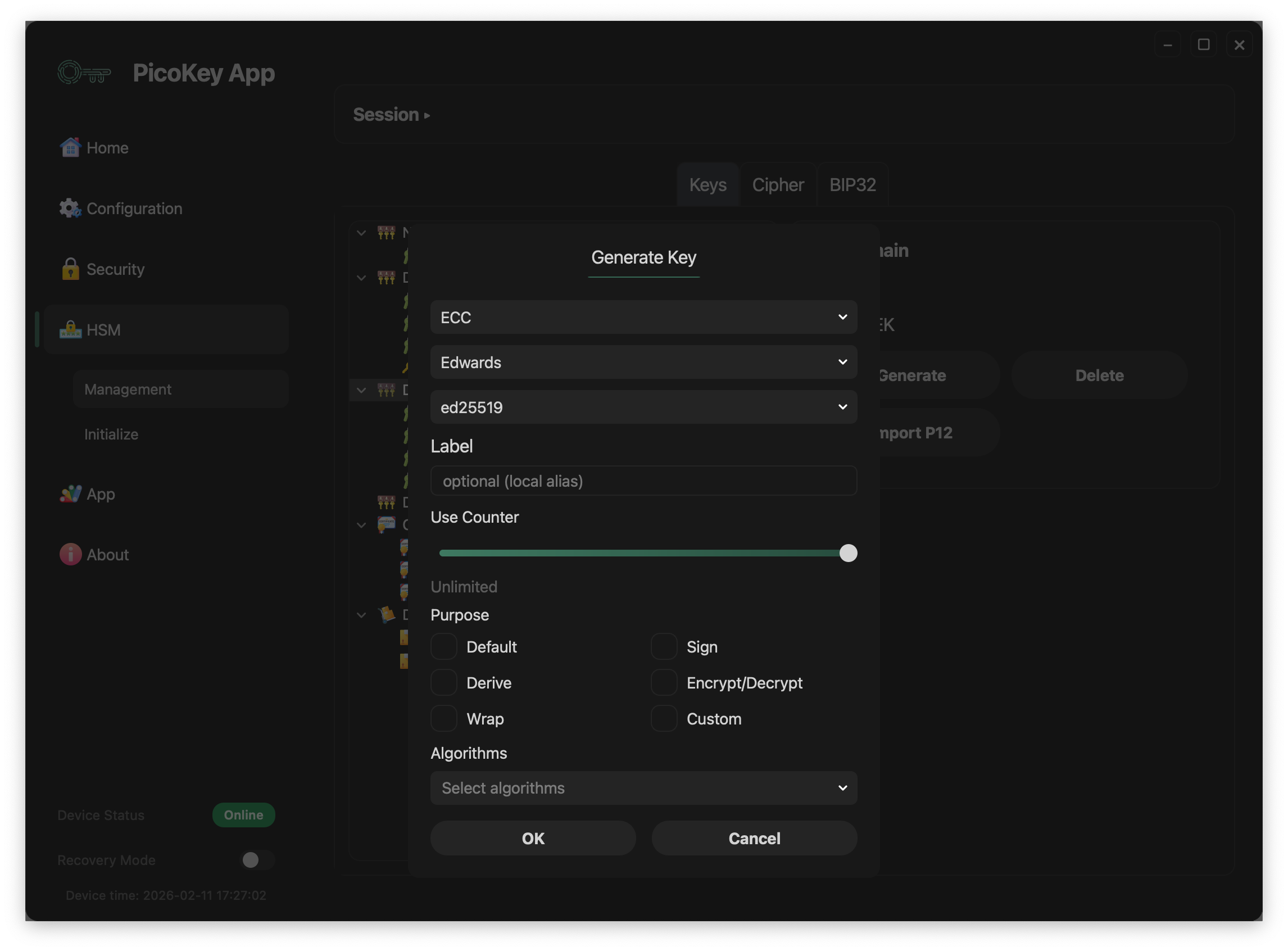
- Key management (including Edward keys)
- Ciphering operations (including EdDSA)
- Hierarchical derivation based on BIP32 and SLIP specs
FIDO
- Passkeys
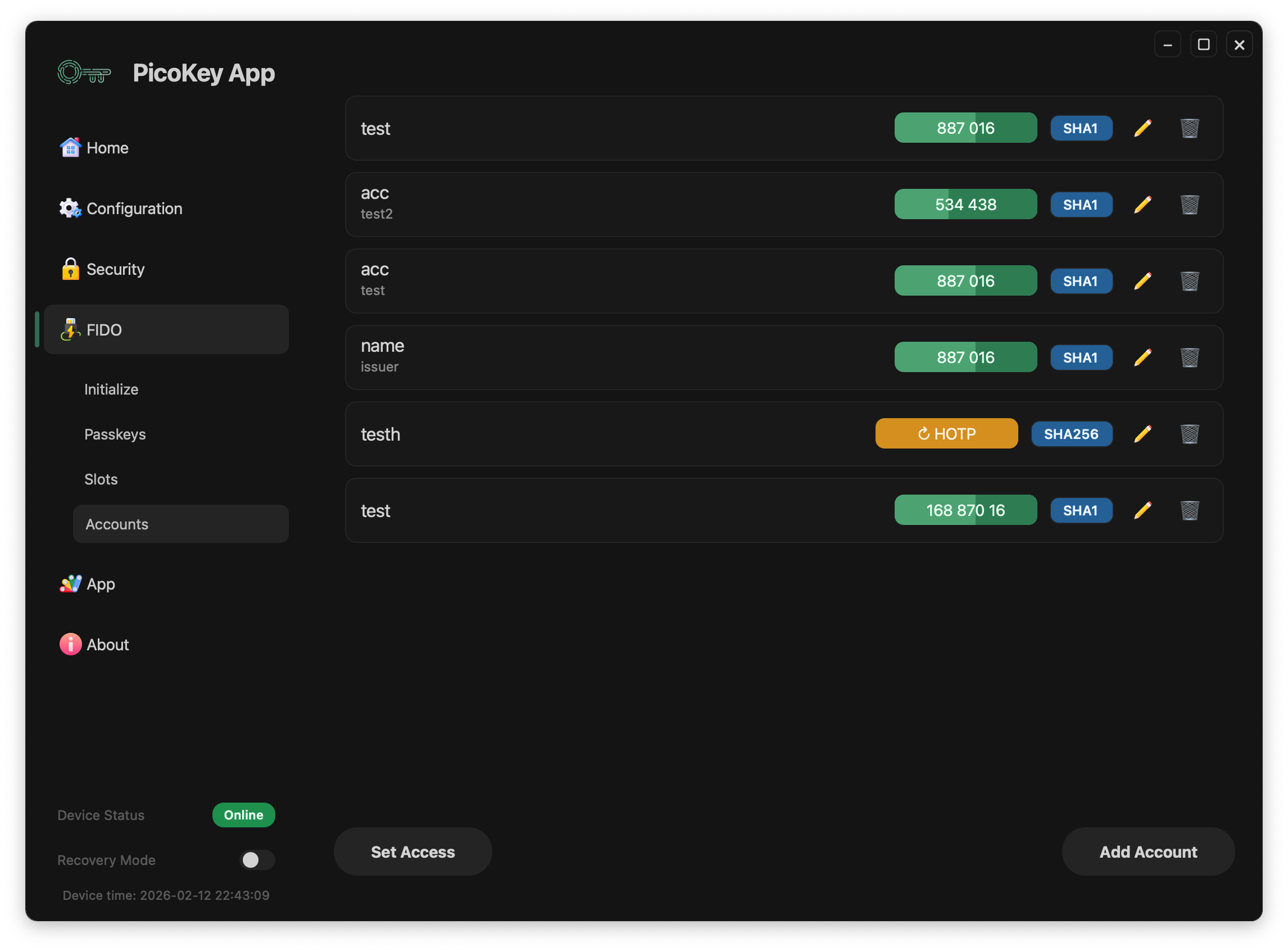
- Accounts (OATH)
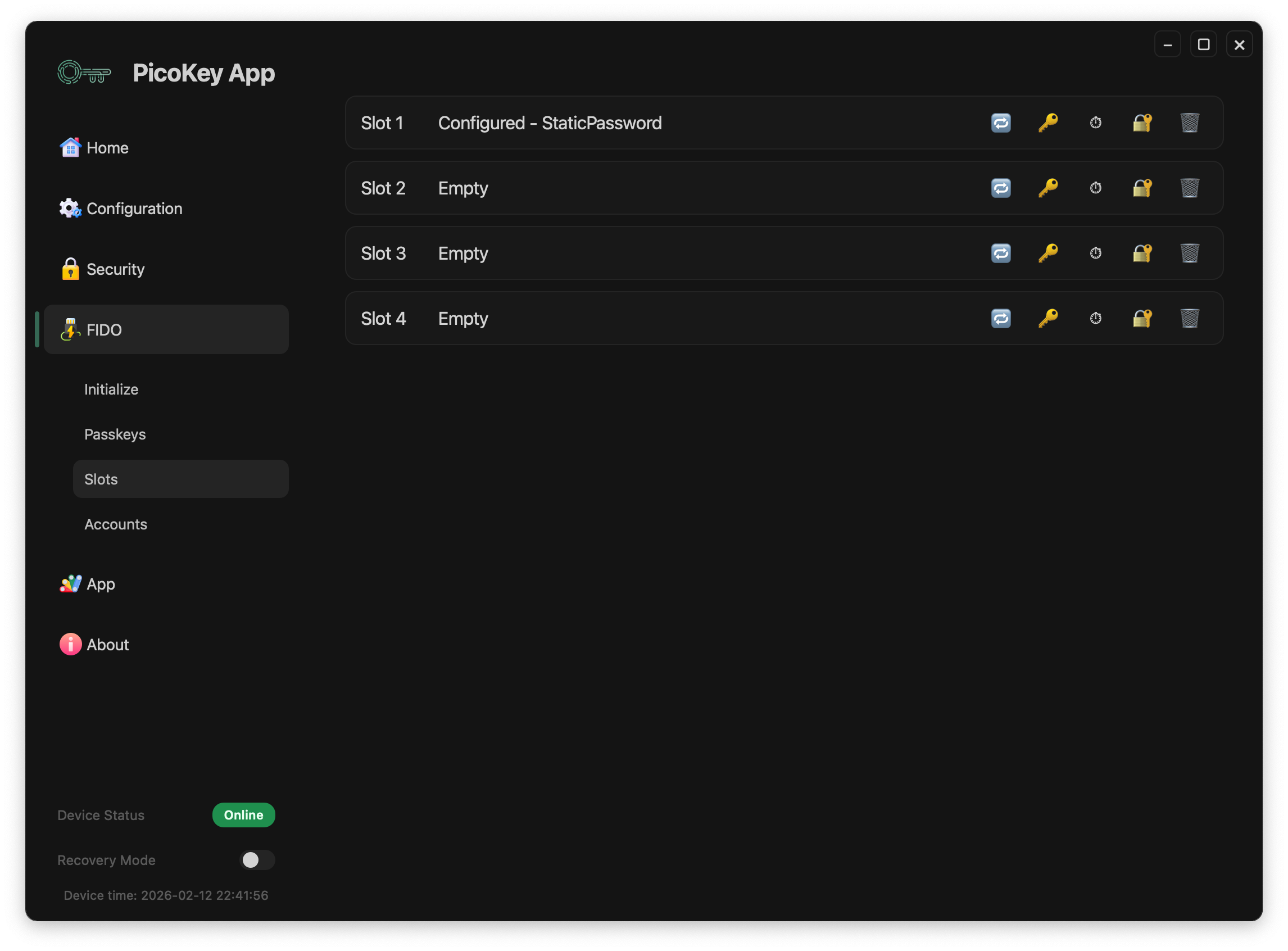
- Slots (OTP)
User Guide
Full user documentation is available here:👉 PicoKey App User Guide
-

Led Light Codes
Pico HSM uses the led to indicate the current status. Four states are available: Press to confirm The Led is almost on all the time. It goes off for 100 milliseconds every second. In this state, you have to press BOOTSEL button to confirm operation (i.e., confirm a signature generation). The operation will timeout in…
-

Generate and Sign a Certificate
Pico HSM allows you generating lots of keypairs (public and private). It supports different types of cryptographic keys and thanks to PKCS11 interface, it can be used with any app implementing PKCS11 interface to sign a certificate request. Once the certificate is generated and signed, it can be easily examined with usual tools:
-

Keypair Generation and Key Management
Pico HSM allows you generating multiple keypair (public and private). It supports different types of cryptographic keys and thanks to PKCS11 interface, it can be used with any app implementing PKCS11 interface. The ID parameter is an internal hexadecimal number for easy identification. The label is a string that also identifies the key. Despite it…